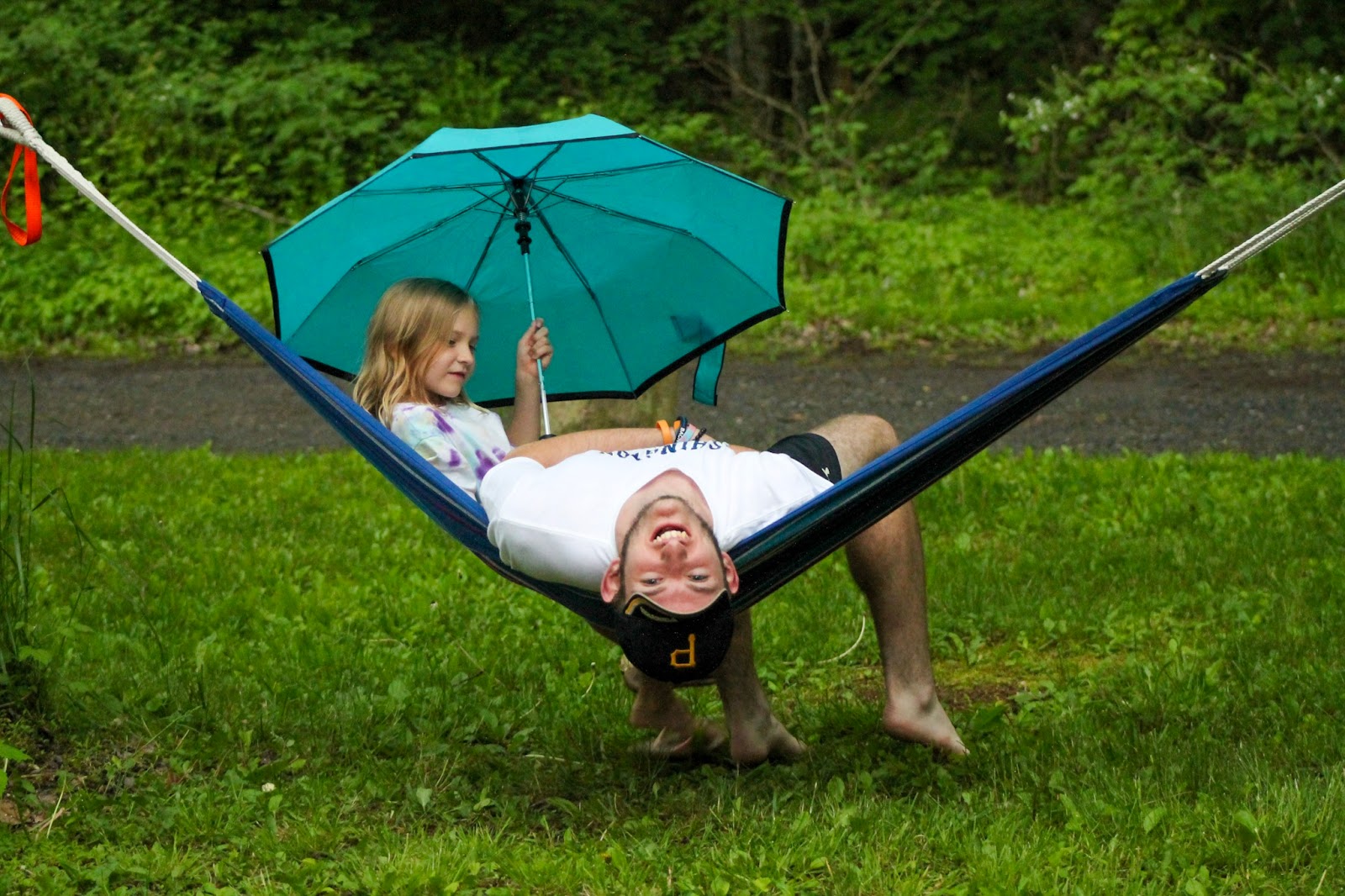
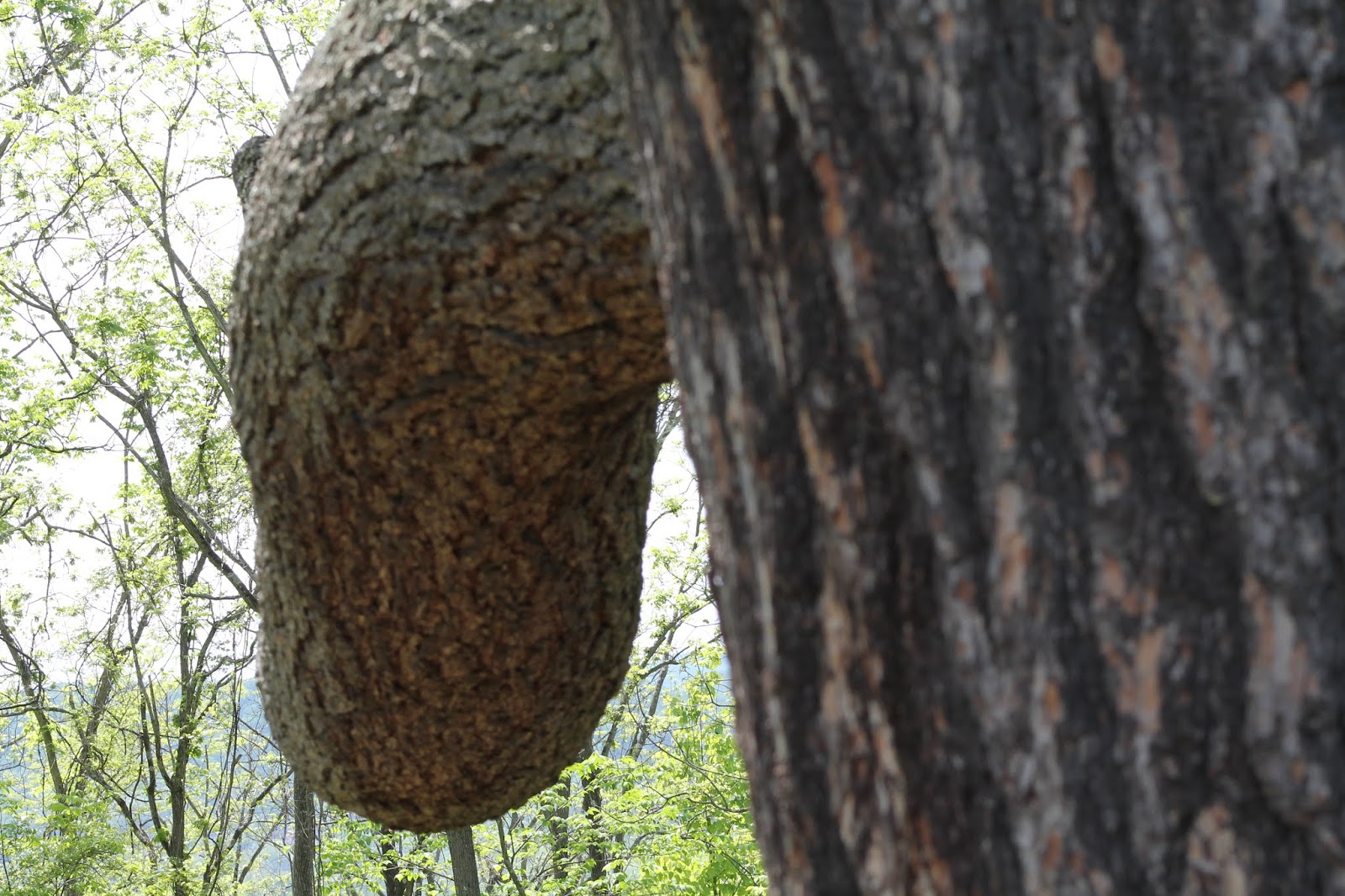
For the past few days, I have been testing out two apps/websites to see if I like them. These two apps/websites are great for photographers that want to put their photos online or to sell them to people all around the world.
The first app is GuruShots, it is also a website. On GuruShots you click on a challenge you want to put a photo in and you insert a photo. Most challenges allows you to insert up to four photos. After you insert your photo(s), you click on vote to up your exposure, so you can get more votes. You are trying to be one of the best photographers. You are also allowed to swap photos if you would like.
The second app is EyeEm, it is a website too. On EyeEm you upload photos that you want to sell. When you upload your photos, they review it to see if it's okay to go on the market. When they review it they either put it on the market, select for partner or they don't select it for market. If it's not selected for market, the photo is still posted publicly, people aren't allowed to buy it though.
Monday, June 3, 2019
Friday, May 31, 2019
Sunset
I have never been the type to take pictures. One day I was at the Overlook at Raystown Lake in Huntington and the sunset looked so pretty. So I took my phone out and just snapped this beautiful picture. I think for my first time it came out pretty decent.
Wednesday, May 29, 2019
4 Reasons I Love Lightroom
In my one of my previous posts, Favorite Apps for Photographers, I talked about the app, Lightroom. Lightroom is the only app I use currently to edit my photos. The first thing I love about Lightroom is it allows you to see all the photos you are editing instead of all your photos you are editing mixed in with what is in your camera roll. Another thing I love about Lightroom is that if you forget to save what you are working on it's ok because Lightroom automatically saves any edits you made. Photoshop makes you save manually and if you forget then you lost all of your work. The third thing I like about Lightroom is when you click on a photo to edit the editing bar is already opened compared to Photoshop where the filter bar is opened. I care more about actually editing the photos and I don't really care about putting filters on. The last reason I love Lightroom is because they have an auto edit button. So, if I am really short on time I hit the auto button and it pretty much puts it where I want it. If it doesn't, it doesn't take that long to fix it to how I want it.
![]() |
| Not edited. |
![]() |
| Edited |
![]() |
| Edited |
Friday, May 24, 2019
2019 Photography Trend
Everyone likes knowing what trends are going on and they like to follow them. I looked up photography trends and I found this blog. The blog has 10 photography trends for 2019, and I am only going to be talking about one. The trend that interests me, and I noticed I do it too, is pet photography. Everyone loves pets, so why not take photos of your pets and share them with the world.
![]() |
| My bunny, Luke |
![]() |
| Cody |
![]() |
| Marley |
![]() |
| My guinea pigs, Axel is on the left and Charlie is on the right. |
![]() |
| Shylah |
Wednesday, May 22, 2019
My DIY camera bag
As many of you know, I got a new camera lens. Well the camera lens doesn't fit in my camera bag with my other camera equipment, so I decided it was time for a new camera bag. I looked around online for a new camera bag and they cost more than what I want to spend right now. I also wanted the camera bag to be cute.
Then I went on pinterest and looked up DIY camera bag. I got ideas for what I wanted to do and how it should be done. At first I was hesitant on whether to do it or not. Then I was like just do it, the worst that could happen is it wouldn't look right and I would just start over. It took me 3 days to do it, mainly because I only had about an hour 1 or 2 between school and work to do it. This is the end result and I am actually really proud of it. I probably spent no more than $30 on it.
![]() |
| Link for this camera bag |
![]() |
| Bag I bought at Walmart |
![]() |
| The inside of the bag after I finished it. |
![]() |
| In the back, where you can't see very well is my camera body and new lens. Camera body is on the right (you can see my polka dotted camera strap) and my new lens is on the left. |
Monday, May 20, 2019
Practice! Practice! Practice!
Practicing is always the key to getting better at anything. To become a better photographer, you have to practice. Now that the weather is warmer grab your camera and practice taking photos of whatever you think will look good. I did some practicing on Saturday, at Bald Eagle State Park and here are the photos. Let me know what you think.
Friday, May 17, 2019
Gift Ideas for Photographers
There is a lot of people that have photographers in their life. When their birthday or a holiday comes around and you don't know what to get them, get them something to do with photography. These 5 items are things that I think are useful and cool to have.
Camera Strap
There is a lot of different types, color and brands of camera straps. Having a comfortable strap, that isn't itchy, is nice when taking photos.
Backdrop
Backdrops aren't for every photographer. They are mainly for studio photographers or school portrait photographers. This website has a lot of backdrops and they are really unique.
Bokeh Masters Kit
A Bokeh Masters Kit is a set of filters that different shapes. This is great for photographers that are really creative and like to try new ways of taking photos.
![]() |
| Filters the kit comes with. |
![]() |
| Photo using the heart filter. |
SD Card Reader
This gift is great for someone who edits their photos or wants an easier transfer on their phone or IPad/Tablet. I have the SD Card Reader and I use it for my IPad. It is very easy to use.
Subscribe to:
Posts (Atom)